● Digital voice processor for Mac
Drop it in.
Turn the knobs.
Export.
Studio-grade noise reduction, voice rebuild and music separation for the recordings you actually get. Every knob is live. Everything runs on your Mac.
Apple Silicon · macOS 12 or later · No account, no upload, no subscription to a server
Three channels
One pass through the models. Then it's a mixer.
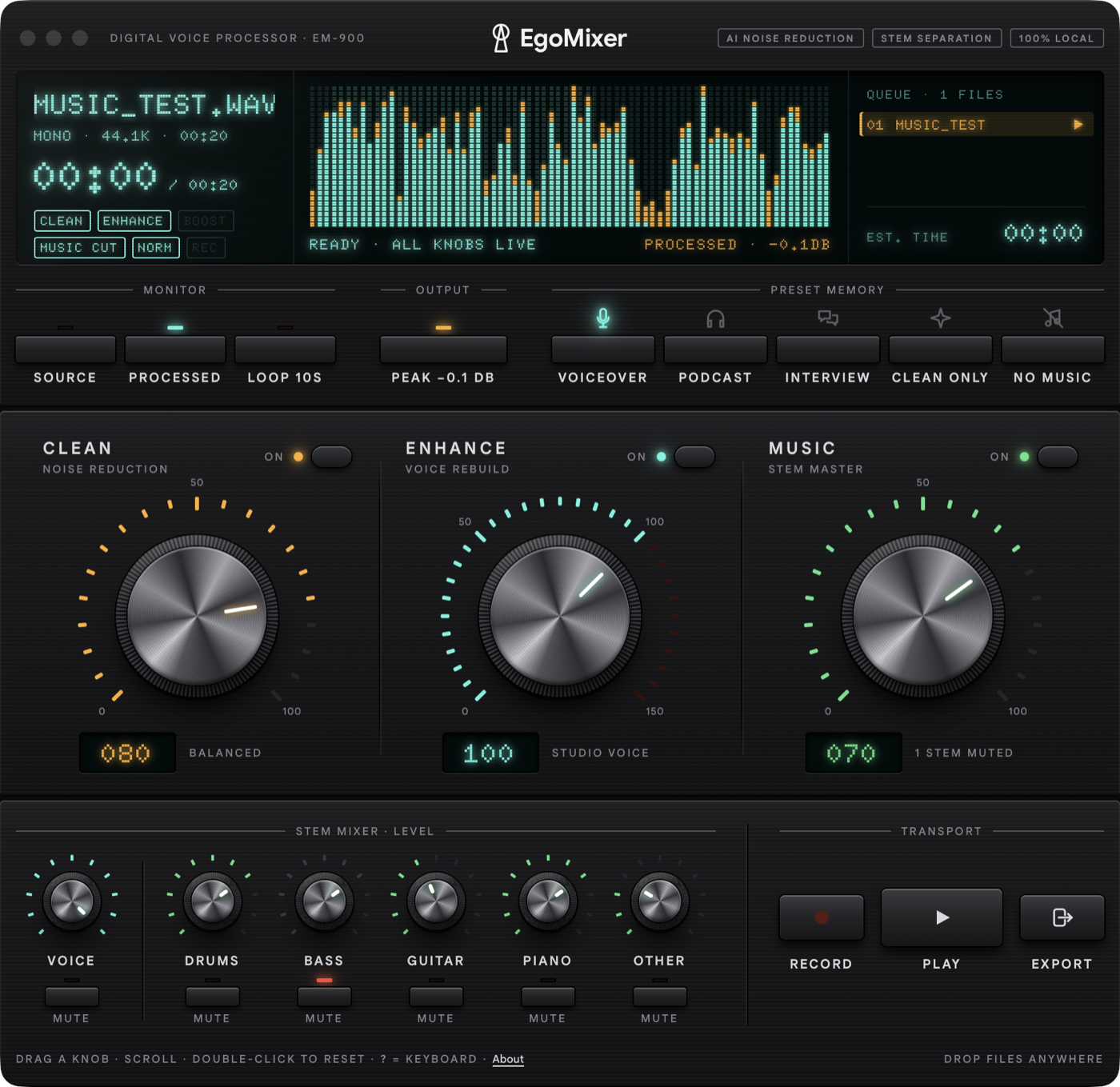
A file is loaded once. After that, every control mixes three aligned signals in real time — the original, the cleaned voice, and the rebuilt voice. Turn a knob, hear it now. Not after a render.
Noise reduction
Room tone, hum, traffic, the fridge. A neural denoiser separates the voice from everything that isn't — and the knob decides how much of the room you keep.
Voice rebuild
A generative model rebuilds the voice itself: lost highs, thin phone recordings, a laptop mic in a kitchen. Dial it from a touch to studio.
Stem master
Music under the interview? EgoMixer splits the recording into voice, drums, bass, guitar, piano and other — and gives you a fader for each.
Built for a deadline
It has to feel instant. So it does.
Made by a working video editor who was tired of uploading, waiting, and getting one slider back.
Three faces
Ego, Minimal, or Glass.
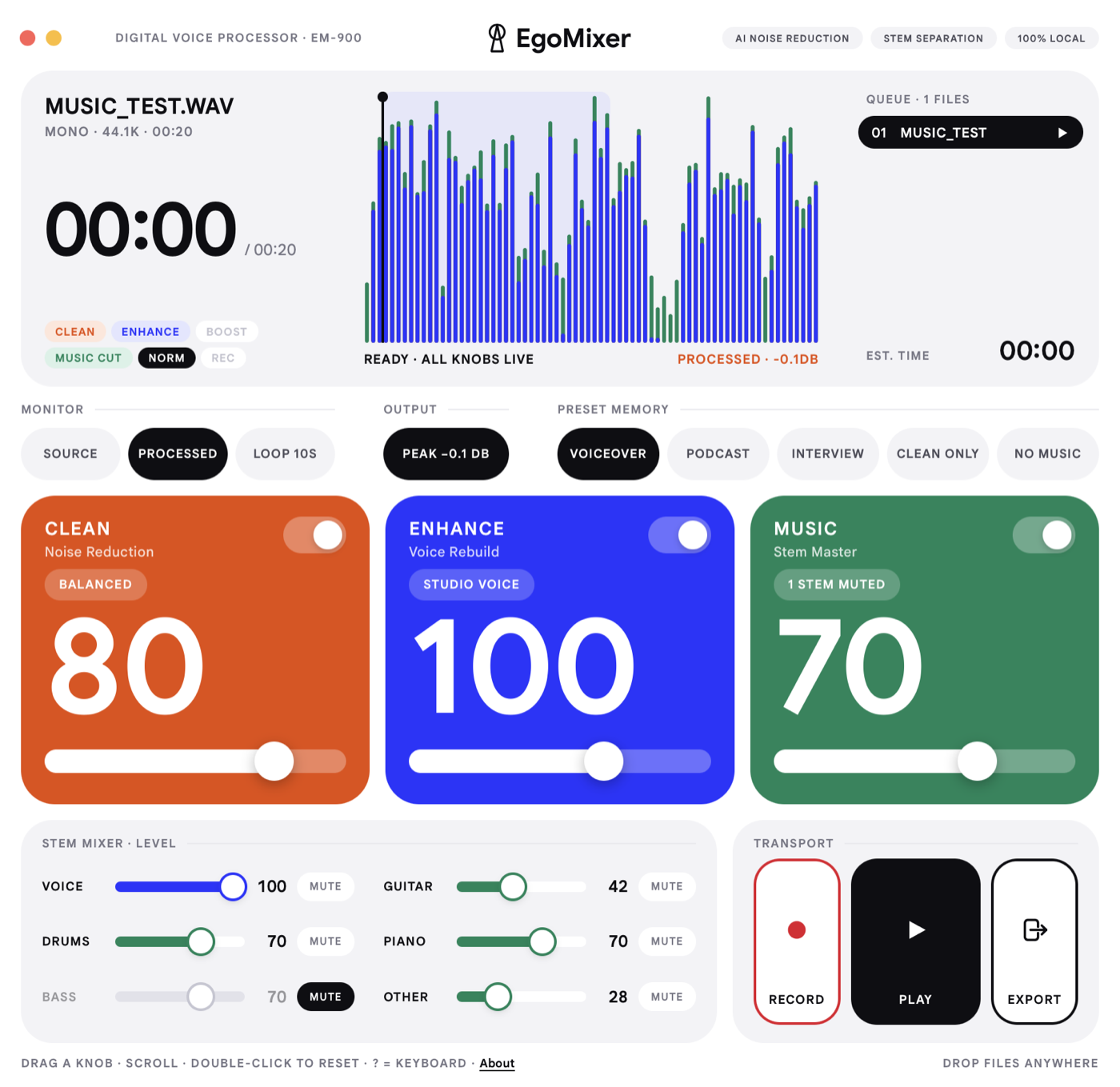
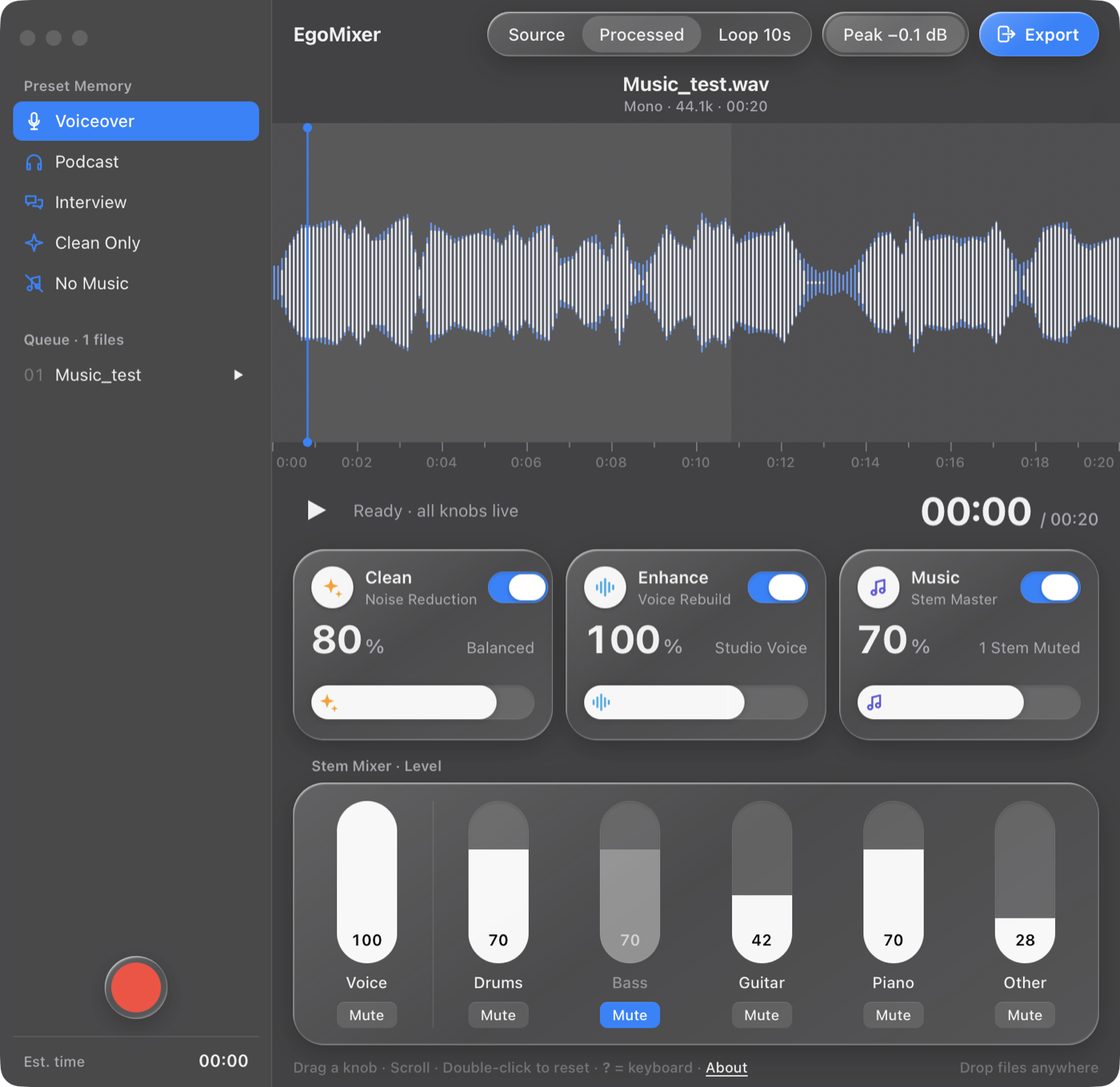
Same engine, same controls, three looks. A rack unit with dials and a vacuum-fluorescent display, a flat colour-block panel with big numbers, or a native macOS window with sliders. Press T to cycle.
● 100% local
Nothing leaves this Mac.
Both neural networks run on your own processor. There is no upload, no account, no server on the other end, and no analytics watching you work. Unplug the network — EgoMixer doesn't notice.
- Your recordings stay where they are. The export is written next to the original, or into a folder you pick.
- Client material never travels. Nothing to sign an NDA about.
- Works offline. On a plane, in a basement, on set.
- The microphone opens only when you press Record. macOS asks once, in EgoMixer's name.
- One-time model download: zero. The models ship inside the app.
Questions
The short answers.
What can I drop in?
WAV, AIFF, FLAC, MP3, M4A, AAC, CAF, OGG — and video: MOV, MP4, M4V. EgoMixer takes the audio track and exports a clean audio file for you to lay back in your edit.
What does it export?
WAV, AIFF, FLAC, CAF (including Apple Lossless), W64, RF64 and OGG Vorbis, at 16, 24 or 32 bit. Container, bit depth and sample rate (48 kHz by default) are set once in Settings › Export.
How long does a file take?
The two model passes run once, when the file lands — the display fills up while they work, and the first audible result arrives within seconds. After that every knob is instant, and export is a mix, not a render.
Does it work on Intel Macs?
No. EgoMixer is built for Apple Silicon (M1 and later) and macOS 12 or newer.
Is anything sent anywhere?
No. The app makes no network requests. See the privacy policy — it is short because there is nothing to disclose.
Can I undo a cut?
Yes. Cuts are non-destructive; ⌘Z or Edit › Undo Cut brings the piece back. The original file is never modified.

Your voice. Your Mac. Your knobs.
Apple Silicon · macOS 12 or later · ~1.5 GB, models included